
DJI and Agisoft Metashape drone data workflow course
Agisoft Metashape with Stockholm Drone Teknik AB. Gain better control of the digital workflow behind drone assignments. This one-day course focuses on DJI Pilot 2 and Agisoft Metashape, from flight planning and structured image collection to processing, export and final delivery.
What you will learn
- DJI Pilot 2 flight planning
- project and file structure
- images and metadata
- Metashape processing and troubleshooting
- quality control and export
- DJI Terra, Pix4D or Dronelink where relevant.
Practical workflow and applications
Begin each project with a clear specification of the deliverable, coordinate system and quality requirements. Check image sharpness, completeness, geotags and overlap before processing. Organise files with clear names and backups. Examine camera alignment before running expensive calculations; if results are unexpected, inspect coverage, image quality and camera positions before changing settings. Verify coordinate systems, resolution and file formats in the final export. Save the original data separately, record your processing decisions and test that the recipient can open the deliverables.
Who is this course for?
Drone pilots, technicians and companies already handling imagery, photogrammetry or technical drone outputs.
Course duration and price
SEK 6,400 per person excluding VAT · 1 day
15% company discount for more than two participants from the same company. Tailored company training from SEK 16,320 excluding VAT for at least three participants. This course focuses on software and workflows; the mapping course covers acquisition and georeferencing in greater depth.
Further information and bookings
Find additional information at the relevant official resource. Explore all our drone training courses. Contact Stockholm Drone Teknik AB for course dates and arrangements.
Agisoft Metashape and DJI: organising the project
Before starting a processing project, establish the required deliverable, reference system, resolution and quality criteria. Check whether the DJI image set is complete, sharp and sufficiently overlapping. Make a clear folder structure and retain original files. Consistent naming helps avoid confusion when several datasets are processed. Keep a record of project settings and field observations, particularly if the survey needs to be reproduced.
Image orientation and troubleshooting
When importing images into Agisoft Metashape, inspect the initial orientation and camera positions before subsequent calculations. If some images do not orient as expected, investigate overlap, image quality, scene texture and metadata. Do not change several parameters at once without examining the problem. Understanding the relationship between image acquisition and reconstruction helps you identify whether the solution involves settings or additional field data.
Choosing processing steps and export formats
A project may need a point cloud, orthophoto or elevation model, depending on its purpose. Choose processing steps according to the requirements rather than creating unnecessary products. Check the accuracy and completeness of intermediate results, including reference information. When exporting, verify coordinate systems, resolution and file formats. A small test export can help confirm compatibility before exporting a large dataset.
A repeatable digital workflow
Professional data handling requires documentation and quality assurance. Keep raw data and processed outputs separate so that earlier versions remain available. Record relevant flight settings, software processing decisions and checks. A colleague receiving a project should be able to understand how the output was created. At delivery, ensure that the recipient can open and interpret the agreed files. The Agisoft Metashape course focuses on practical software workflows that can be adapted to the needs of your company. The longer mapping course is intended for participants who need greater depth in surveying and georeferencing.
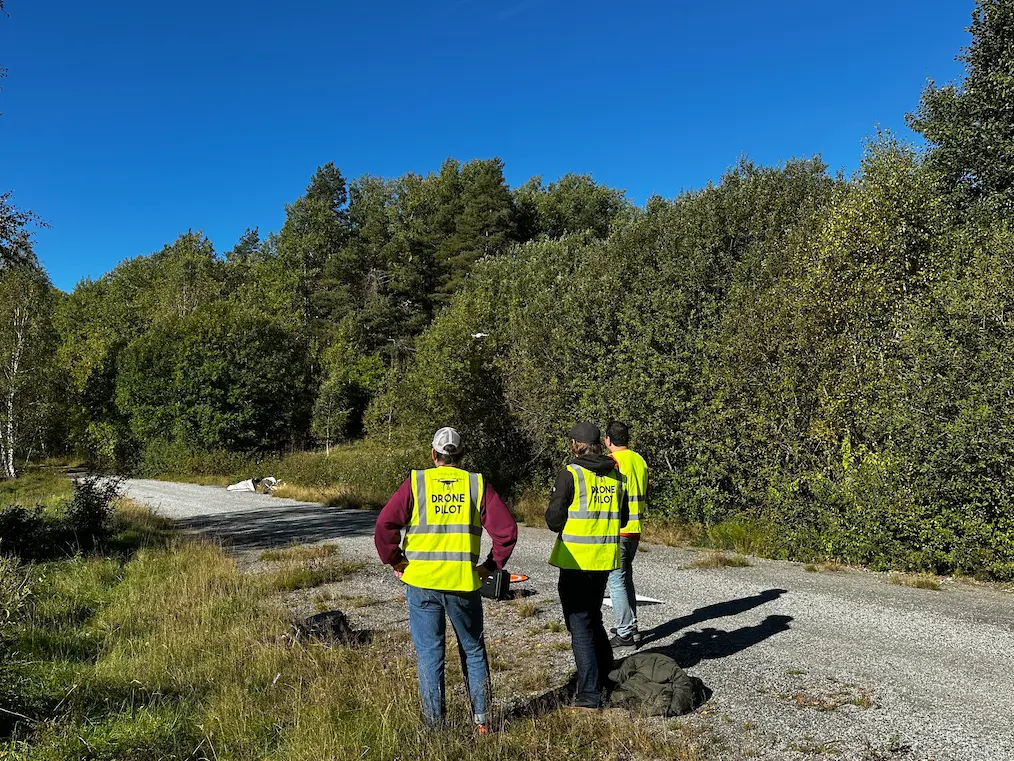
Preparing for your course
When troubleshooting an export, first compare the project reference system with the requested output format. Verify a small sample in the recipient’s software before transferring a large dataset. Record the processing settings that influenced the result and retain the source files. These practical habits reduce rework and help colleagues reproduce a project when the client requests an update.